The steps below are in order — each one takes seconds. You only do this once; after that Zacks is available in every Claude conversation.
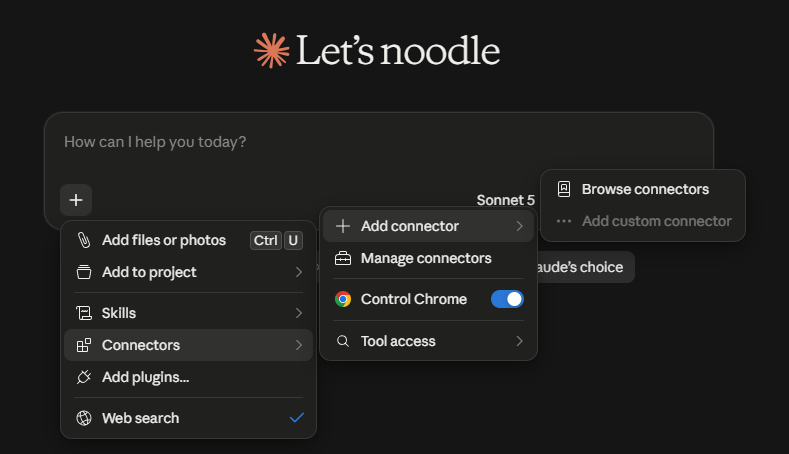
Click the "+" in the text box. Choose Connectors.
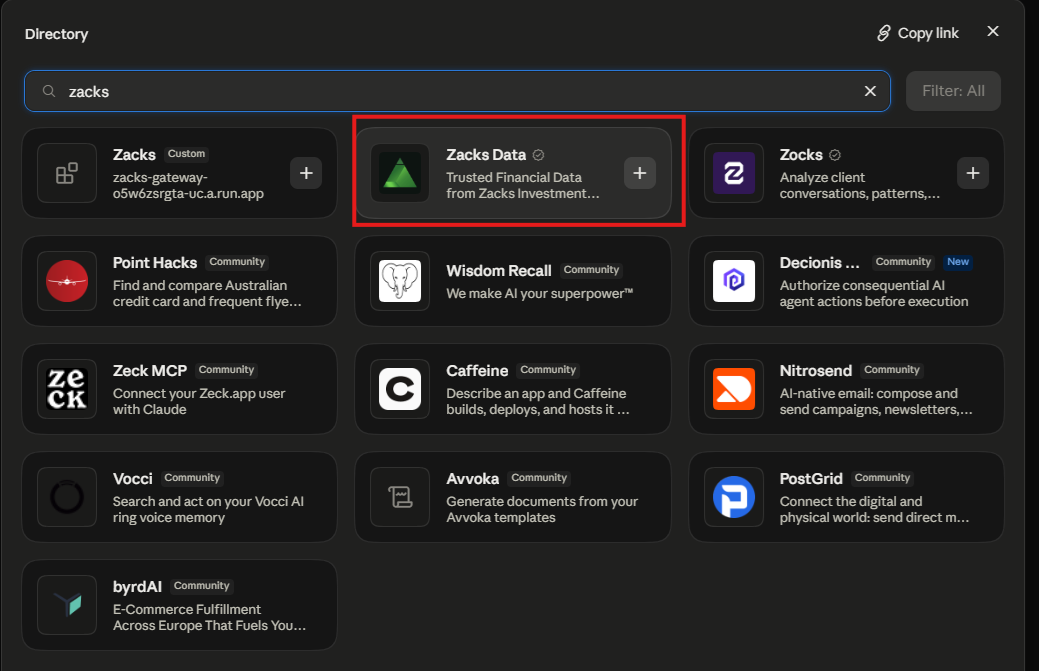
Click Add Connector and select Browse Connectors.
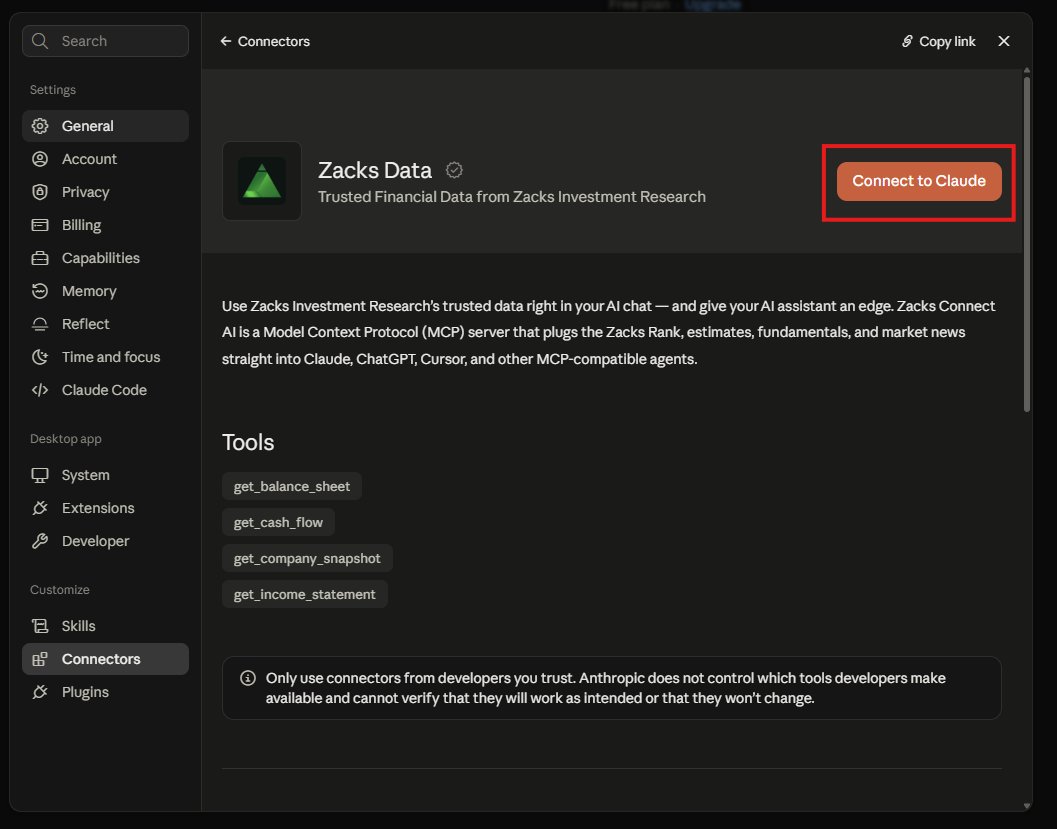
Add Zacks Data and Connect to ClaudeLog in with the username and password you previously created
Click on "Connect to Claude"
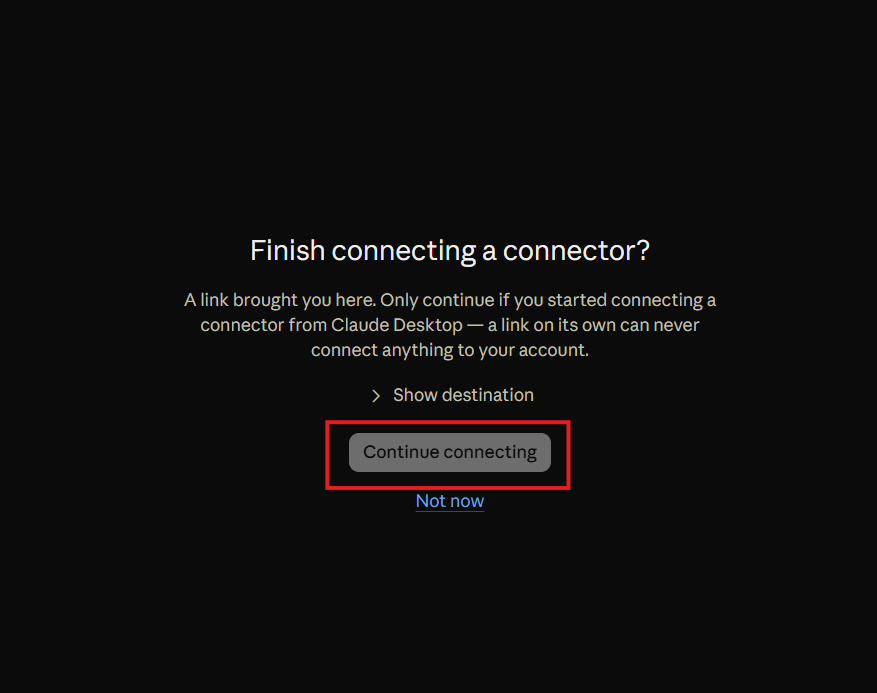
Continue to connect to sign in to the Zacks MCP.
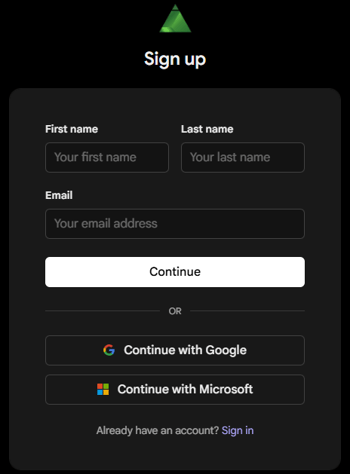
Create a free Zacks Data account to connect the Zacks MCP server to Claude.