The steps below are in order — each one takes seconds. You only do this once; after that Zacks is available in every Claude conversation.
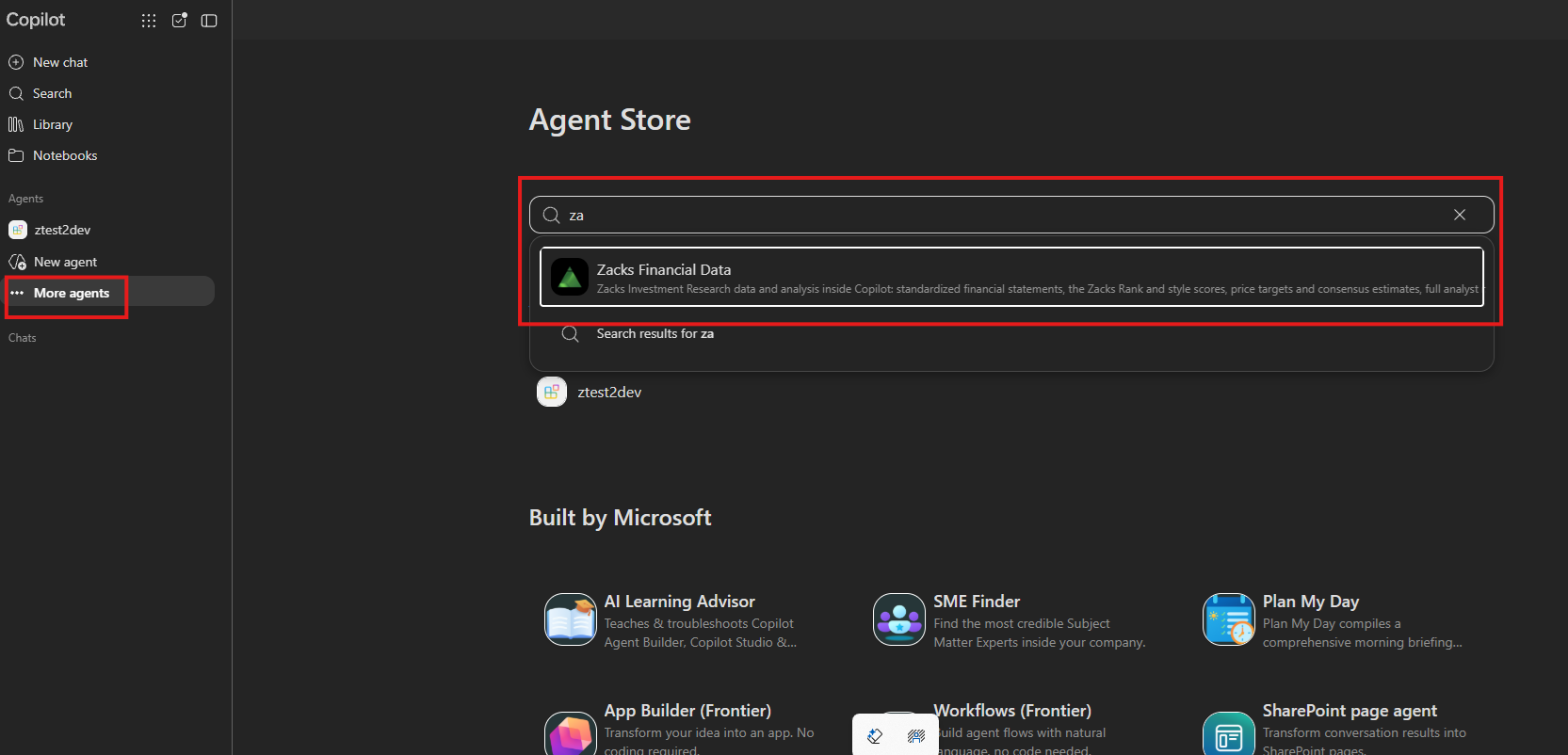
Search for the Zacks MCP
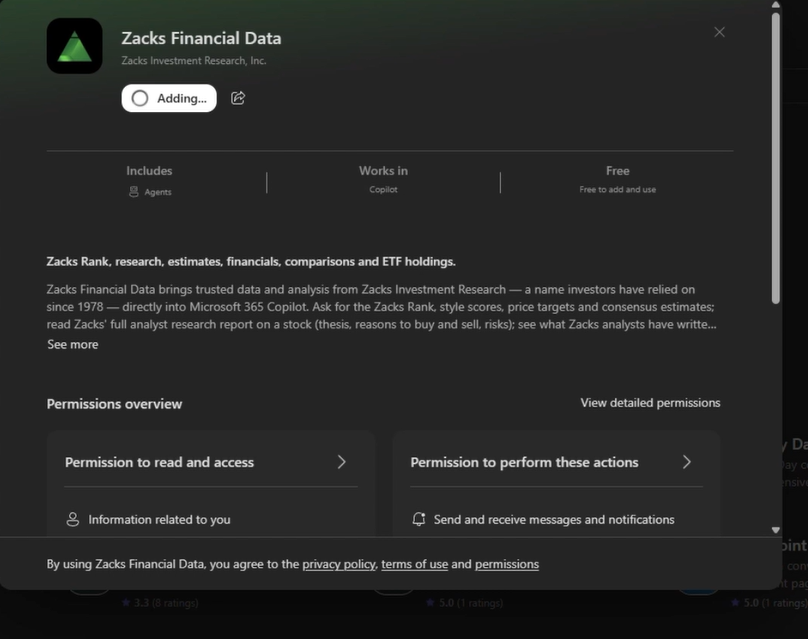
Add Zacks Data and Connect to Copilot
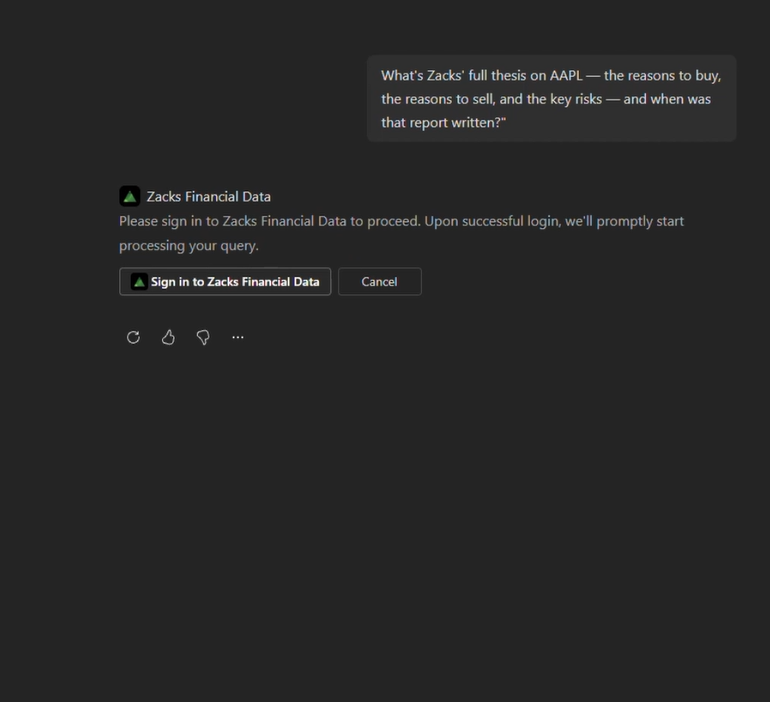
Ask a question to prompt login.
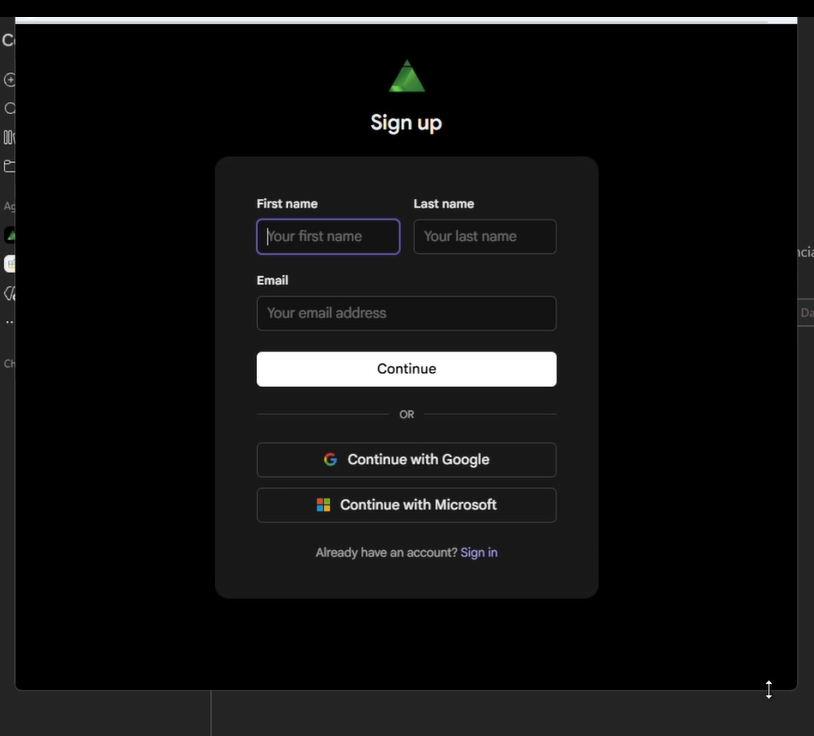
Continue to connect to sign in to the Zacks MCP.
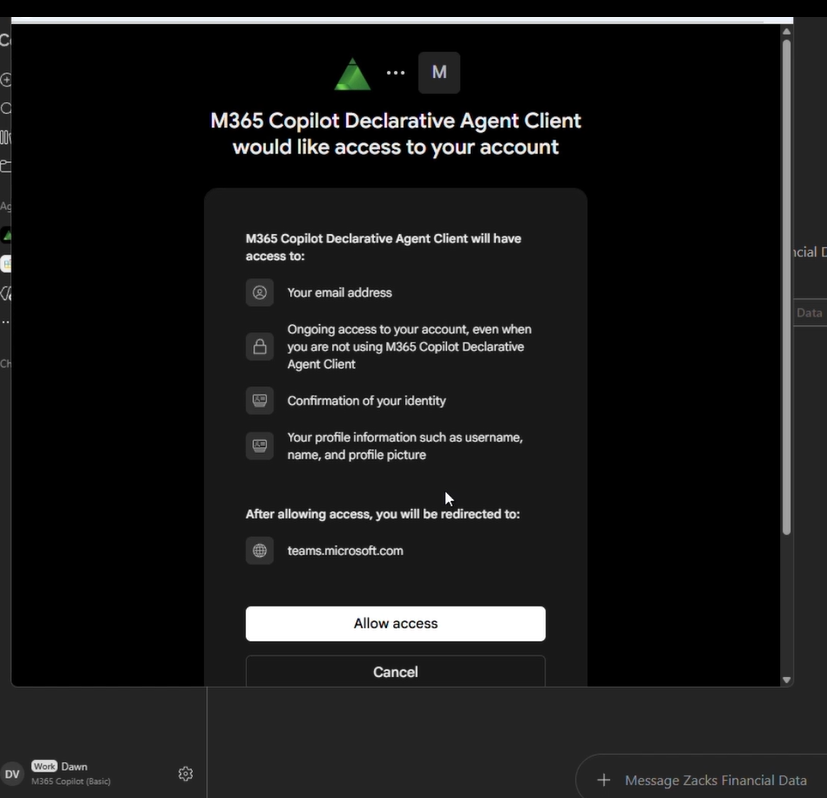
Allow Zacks Data MCP to connect to your M365.
Zacks MCP maintains a consistent connection with Copilot, recalling and responding to the previously submitted query.
You are now connected and can continue with Copilot.