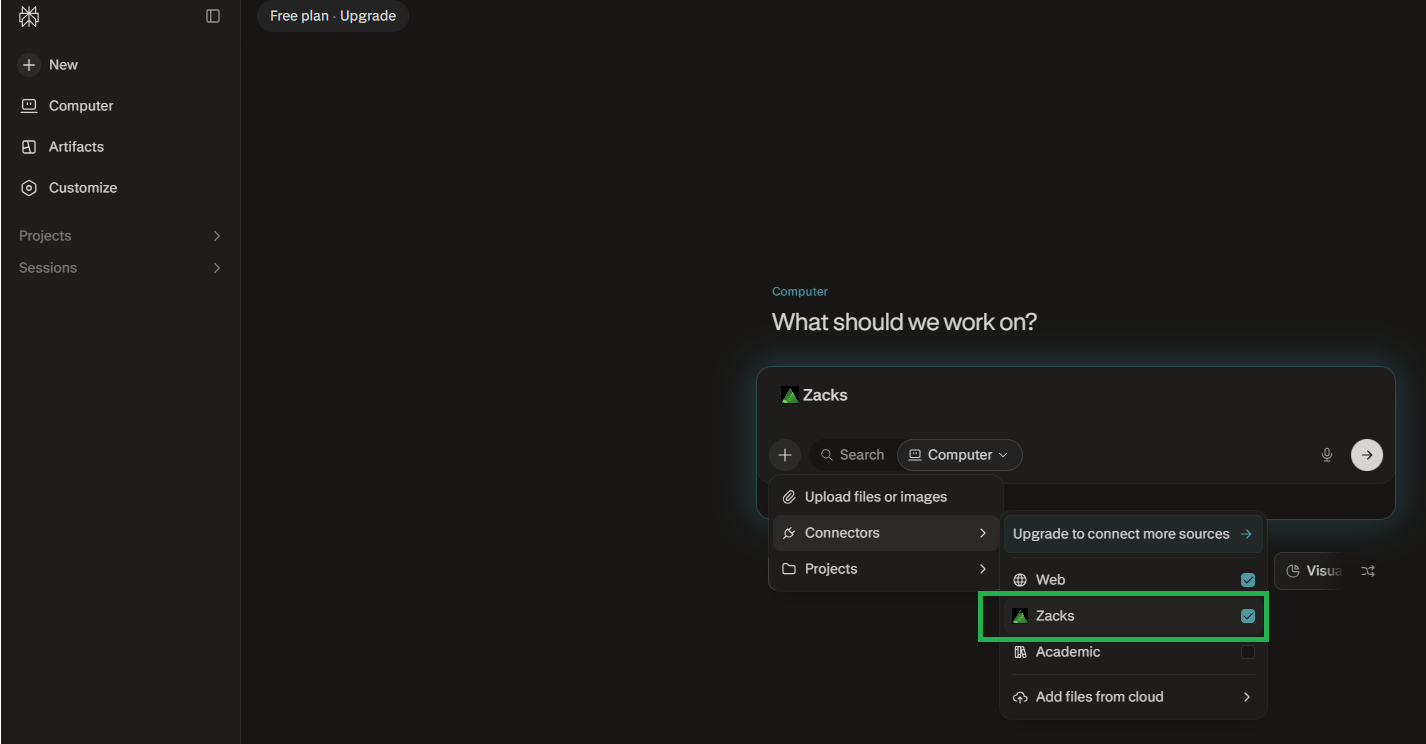
The steps below are in order — each one takes seconds. You only do this once; after that Zacks is available in every Perplexity conversation.
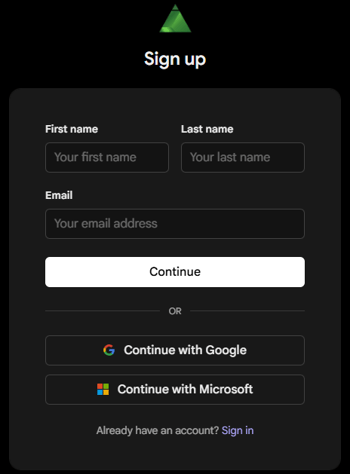
Create a free Zacks Data account to connect the Zacks MCP server to Claude.
Sign up here
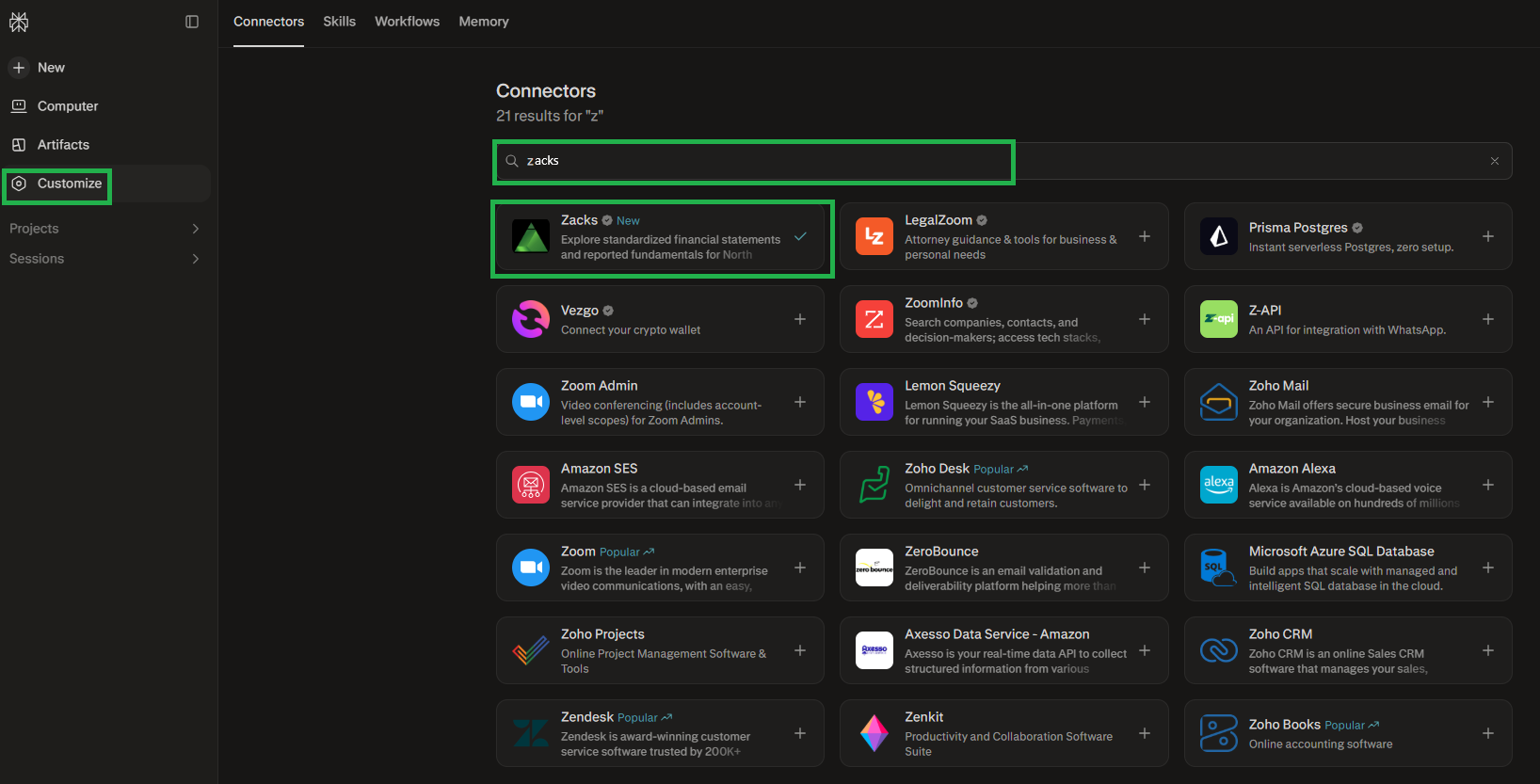
Click on Customize
Search for Zacks and Add
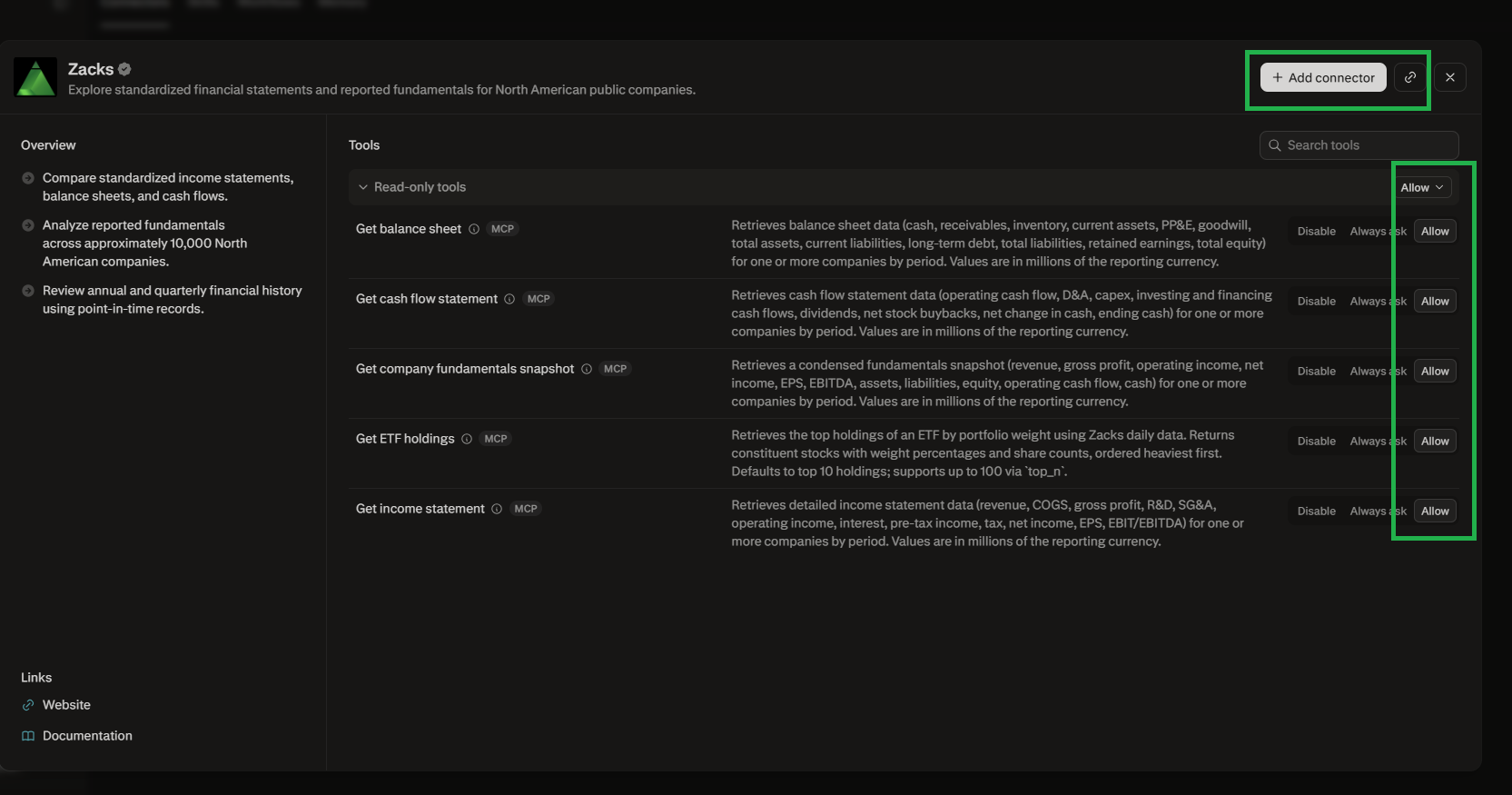
Add Connector and Allow all tools